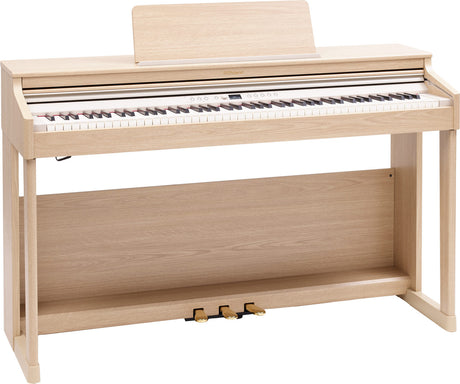
A modern digital piano has more sockets on the back than a first glance suggests. As soon as you want to connect a digital piano, the questions pile up: which jack is for headphones, which one for the computer, and how does the sound reach a stage?
This guide sorts the connections by what you actually want to do: practise quietly, work with an app or software, or play in front of an audience. By the end you will know which cable you need and which socket it belongs to.
01Connecting headphones: quiet practice at any hour
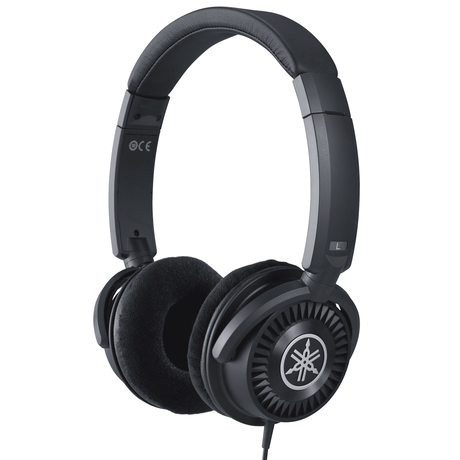
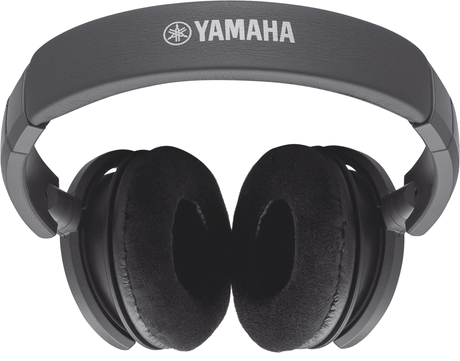
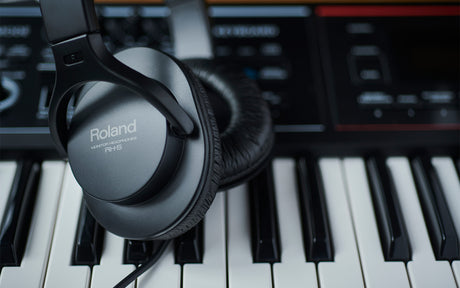
The most-used connection day to day is the headphone output. For many players it is the very reason to choose a digital piano over an acoustic one: with headphones you can practise at any hour without disturbing the neighbours.
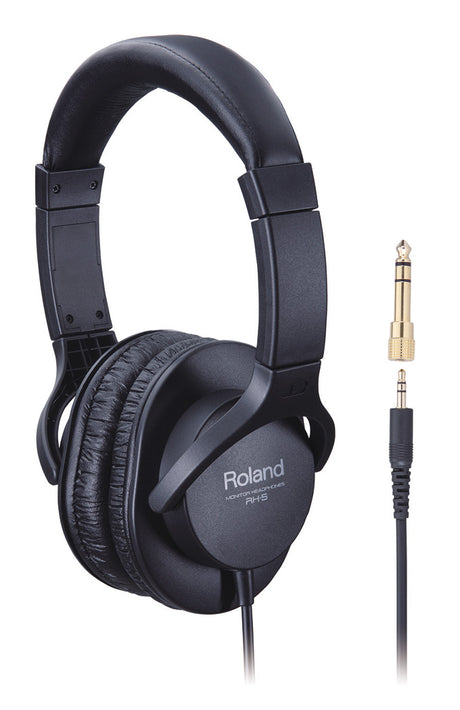
Many digital pianos have two headphone jacks side by side. That is handy for lessons, when teacher and student want to listen at the same time. Mind the jack size: stationary models usually use the large 6.3 mm plug, while many everyday headphones use the small 3.5 mm plug. A simple adapter bridges the difference.
A note on impedance: headphones with very high impedance sound quieter from a digital piano headphone output. For home use, models with moderate impedance are the easier choice. Our article /blogs/klang-kontext/digitalpiano-zubehoer goes deeper into which headphones suit practice.


02Bluetooth: stream audio or work in MIDI with apps
Bluetooth is not just Bluetooth. There are two variants that are easy to mix up.
Bluetooth Audio means you stream music from a phone or tablet wirelessly to the digital piano speakers and play along. Ideal for playing over backing tracks or favourite songs.
Bluetooth MIDI, by contrast, carries no sound, only control data, namely which key is played and when. It links the instrument wirelessly to learning and sheet-music apps. Roland instruments work with the Roland Piano App, Kawai with PianoRemote, Yamaha with the Smart Pianist app. These apps display notation, switch voices and guide you through exercises. A well-equipped example is the Roland Digitalpiano RP 701.

03USB-to-Host and MIDI: linking to PC, DAW and software
If you want to record on a computer, write notation or work with music software, you use the USB-to-Host port. A single USB cable connects the digital piano to a Mac or PC and carries MIDI data both ways, with no extra drivers on current operating systems.
In a DAW such as GarageBand, Logic or Cubase you drive virtual instruments and record your playing as MIDI, which you can edit freely afterwards. Older or professional instruments also have classic five-pin MIDI sockets for connecting synthesizers or sound modules.
For getting started the USB-to-Host cable is almost always enough. A model like the Yamaha Digitalpiano Arius YDP-146 Weiß already includes this port and works well as a first instrument with a computer connection.
04Line-out, amplifier and active speakers: out to the stage
The built-in speakers are fine for a living room but not for a hall. For larger rooms or the stage you use the line-out. It sends the signal to an active speaker, a keyboard amplifier or straight into the venue mixing desk.
The difference between line-out and headphone output matters: the line-out delivers a clean signal at a fixed level, while the headphone output is a workaround at best and less predictable. For reliable stage quality, go through the line-out.
Many home digital pianos in furniture cabinets have a line-out but are not built to be moved around. If you perform regularly, the stage-piano class is the better place to look. You will find the full range in the Digitalpianos collection.
05Pedal and AUX-in: the last two sockets
Two connections remain. The sustain pedal plugs into a dedicated pedal socket. On upright-style models with a fixed pedal unit it is already wired; on stage pianos and entry-level models you connect a separate footswitch. Quality pedals distinguish a light press from a full one and so reproduce the half-pedalling of a real grand.
The AUX-in is the wired counterpart to Bluetooth Audio: a jack cable from a phone or player feeds music into the digital piano speakers to play along with. Useful when the source has no Bluetooth or when you want a wired, latency-free connection.
| Connection | What for | Typically on |
|---|---|---|
| Headphones 6.3 / 3.5 mm | Quiet practice, two-person lessons | All digital pianos |
| Bluetooth Audio | Play along to wireless playback | Mid and upper range |
| Bluetooth MIDI | Drive learning and notation apps | Mid and upper range |
| USB-to-Host | PC, DAW, notation software | Almost all models |
| Line-out | Amp, active speaker, mixer | Stage and higher-end models |
| Pedal socket | Sustain and half-pedalling | All digital pianos |
| AUX-in | Play along to a player by cable | Many entry-level models |
The back of a digital piano looks more complicated than it is. Once you know that headphones are for quiet practice, Bluetooth and USB for apps and computers, and line-out for the stage, the main paths are sorted. Which model offers which sockets is easy to compare when you buy.
Frequently asked questions
Do I need a special cable to connect my digital piano to a PC?
What is the difference between Bluetooth Audio and Bluetooth MIDI?
Can I connect my digital piano to an amplifier or speaker?
Why does my digital piano have two headphone jacks?
How do I connect the sustain pedal?
Find the right digital piano
From compact practice connectivity to a stage-ready line-out: browse the selection and find the instrument with the connections you need.
Browse digital pianosMatching headphonesPassende Produkte